
Branching, Config reflections, designing FigJam
Promo
Book “Designing in Figma”
My practical guide to Figma, showing how to create layouts that will evolve over time, build design systems at scale, and stay organized and efficient in the process.
App Updates
Introducing branching: space to iterate and explore freely


Multiple prototype tabs in the desktop app
Config 2021
ConFig 2021 Reflections

Episode 395: Config 2021

Day 1 Closing Keynote: Designing the Biden-Harris campaign

Q&A with Robyn Kanner

Using Figma
Blending Brand and Product
Reverse layers order in Auto Layout
Draggable windows
Our Favourite Figma plugins for 2021

Figma tips: Building flexible components using the “slot” method

Creating design system tools for non-designers

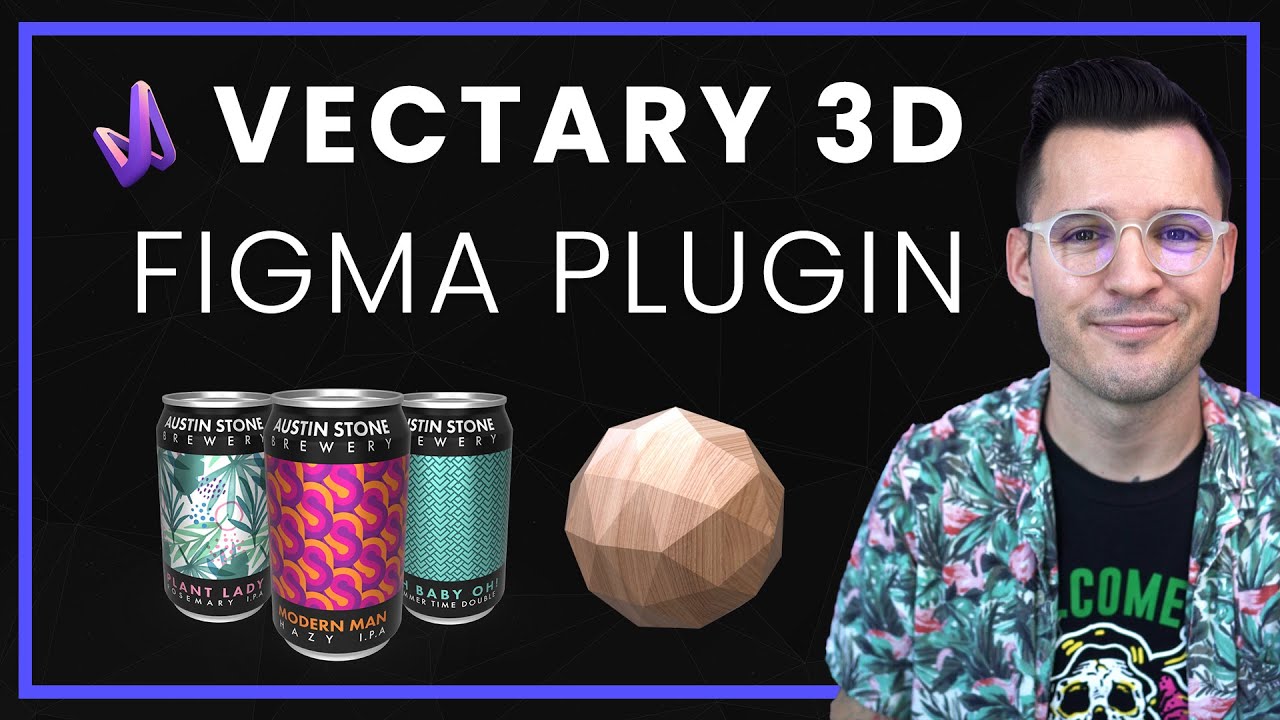
Vectary 3D Figma Plugin
“The Vectary 3D plugin for Figma is adding the missing third dimension to your 2D designs. Place your Figma design into a predefined 3D mockup or your custom 3D element. Set your desired perspective in 3D and place the result into the scene with one click.”
User Testing with Figma and Maze

Double-clicking on the edge of a text box
You should always name your layers
Masking explained in 59 seconds
Miggi from Figgi shows how to use masks in Figma. Don’t miss Part 2!
FigJam
Layout FM: Designing FigJam


FigJam toolbar demo
Resources
Keyboard Shortcut Annotation
Interactive Coin Flip
Brand Sprint
“A template for the GV Brand Sprint – a workshop format conceived at Google Ventures and well documented by Jake Knapp. In 3 hours or less, you get a very good picture of a brand, its vision, future and challenges.”
Backstage
Figma Keyboard
A few of the Figmates collaborated on building a completely custom Figma keyboard. See the design details on the Community – I wish it was available for sale!